Tailored technology solutions for events, tradeshows, experiential marketing, and more—designed for smooth execution and backed by expert support team.
Tailored technology solutions for events, tradeshows, experiential marketing, and more—designed for smooth execution and backed by expert support team.
Your event’s success depends on reliable connectivity. Whether you’re managing registration kiosks, processing transactions, streaming live content, or keeping attendees engaged on social media, internet access is no longer optional. Here’s how to set up WiFi for an event that actually works when you need it most.
Understand Your Event’s WiFi Requirements
Before you reach out to providers or start comparing solutions, you need to know what you’re working with. How to get internet for an event starts with understanding your specific needs. Count your users and devices. If you’re expecting 200 attendees, each with a phone and a laptop, you’re supporting roughly 400 devices. Add vendor tablets, POS systems, registration computers, and production equipment, and that number climbs quickly.
Think about bandwidth demands. Casual web browsing requires minimal bandwidth. Live streaming, video conferencing, and file uploads need significantly more. If you’re broadcasting a keynote or running interactive polls, factor in those higher demands when planning your network capacity. Calculating bandwidth can be difficult. The experts at eTech Rentals are here to assist you and determine which WiFi solutions are best for your event based on your event details.
Once you understand what you need, it’s time to pick your connectivity solution. Several options exist for temporary event WiFi, each with specific strengths.
Mobile hotspots work well for small gatherings. A 5G hotspot can support 20 to 30 users in a confined space like a trade show booth or small meeting room. They’re compact, easy to deploy, and require minimal setup.
Bonded internet solutions combine multiple cellular connections into one powerful network. By aggregating bandwidth from different carriers, bonded systems deliver higher speeds and built-in redundancy. If one carrier’s signal drops, traffic automatically shifts to the remaining connections.
What Do I Need to Set Up Event WiFi?
How to set up temporary WiFi for an event requires more than just internet access. You need the right equipment and configuration to deliver reliable performance.
At minimum, you’ll need routers or access points to broadcast your WiFi signal, an internet source (cellular, wired, or satellite), power supplies, backup batteries for uninterrupted operation, and network management tools to monitor performance.
For professional deployments, add network switches to connect multiple access points, cables, and mounting hardware for proper equipment placement, and backup connectivity options in case your primary source fails.
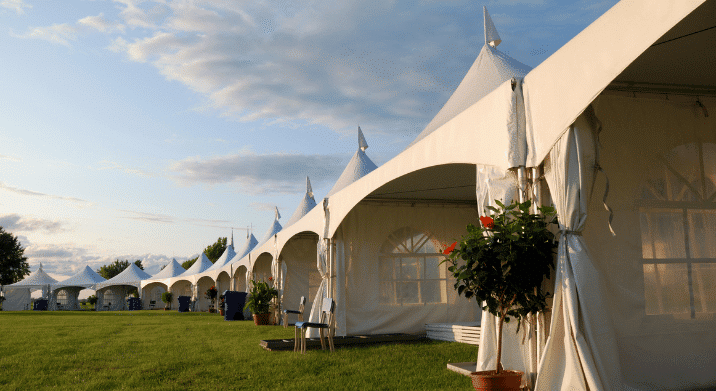
How to Get WiFi for an Outdoor Event
Outdoor events present unique connectivity challenges. You’re dealing with open spaces, weather exposure, and often limited existing infrastructure.
Power access becomes critical. Outdoor locations rarely have convenient outlets, so plan for generators or battery backup systems. Make sure your network equipment is weatherproof or properly protected.
Cellular bonding works particularly well outdoors. By combining multiple carriers, you maximize coverage even in areas where individual networks might be weak. This redundancy matters more outdoors, where physical obstacles can create dead zones.
Strategic placement of access points ensures coverage across your entire event footprint. For a festival or outdoor activation, you might need multiple access points positioned throughout the space.
Plan Ahead and Test Your Setup
A successful WiFi setup doesn’t happen by accident. It requires advanced planning and thorough testing.
Book your equipment early. Network hardware availability fluctuates based on event schedules and seasonal demand. Professional providers often recommend booking 2 to 4 weeks in advance for standard events, longer for large-scale productions.
Run stress tests before doors open. Connect multiple devices, stream video, and simulate real usage patterns. It’s better to discover capacity issues during testing than when 500 attendees are trying to connect simultaneously.
Real-World Success: The BlackPink Tour at Dodger Stadium
Large-scale events demand flawless connectivity. When the BlackPink Tour came to Dodger Stadium, the production required robust internet extending from the stadium to the adjacent parking lot, where production trailers, catering, and artist facilities were located.
eTech Rentals was contracted to establish a WiFi network capable of supporting over 250 concurrent users. The coverage areas included the production compound with ten trailers and two catering locations, plus the artist compound with three trailers, two dressing rooms, and a hospitality location.
At eTech Rentals, we’ve spent over 100 years of combined experience solving connectivity challenges for events nationwide. We understand what it takes to keep your attendees, vendors, and production teams connected when it matters most.
Our event WiFi solutions include everything you need. Preconfigured hotspots and bonded internet systems arrive tested and ready to deploy. We provide 5G hotspots for smaller gatherings, eBond solutions supporting 100+ concurrent users, enterprise WiFi arrays for large venues, and satellite internet for remote locations.
Speed defines our service. Same-day delivery in Southern California and next-day shipping nationwide mean you never have to wait weeks for critical equipment.
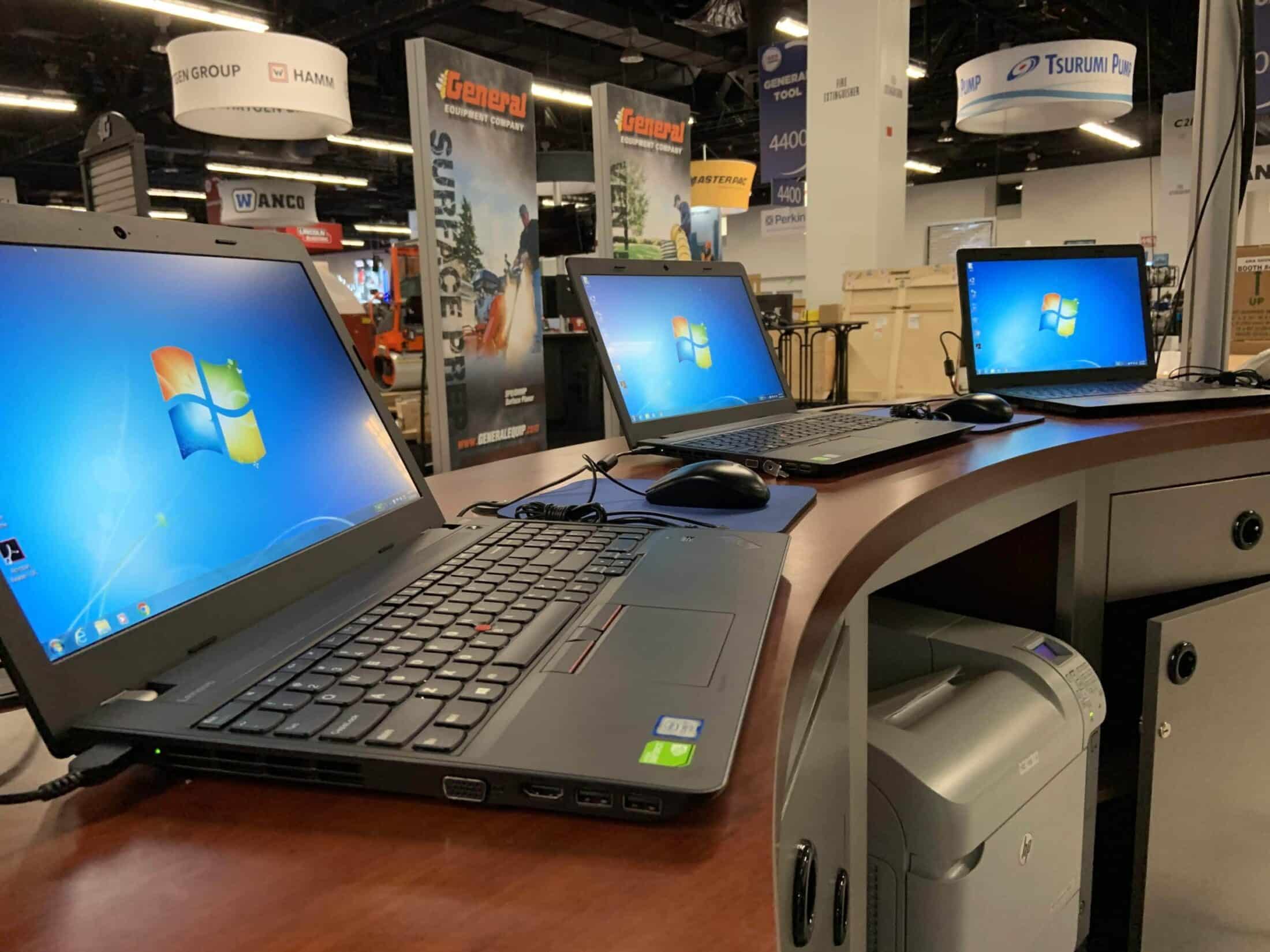
Need more than just internet? We’re your complete event technology partner. Beyond WiFi solutions, we provide iPad rentals configured as POS systems for retail activations and merchandise sales, laptop and computer rentals for registration desks and staff workstations, 4K displays and presentation equipment, and complete production packages with all technology integrated and ready to use.
Optional on-site technicians handle setup, monitoring, and troubleshooting so your team can focus on running your event. Visit our Event WiFi Solutions page to explore our complete connectivity offerings, or check out our 5G WiFi Hotspot Rentals for smaller event needs.
Book event WiFi at least 2 to 4 weeks before your event for standard deployments. Large-scale events, outdoor festivals, or productions requiring custom configurations benefit from planning as early as 4 to 8 weeks in advance. Early booking ensures equipment availability, allows time for site surveys if needed, and gives your provider adequate lead time to configure systems specifically for your requirements. However, eTech Rentals also offers rapid turnaround solutions. Contact us to share your WiFi needs, and we will see how we can help.
Is there any way to get temporary WiFi?
Yes, temporary WiFi solutions are specifically designed for short-term needs. Mobile hotspot rentals provide instant connectivity for days, weeks, or months without long-term contracts. Professional event WiFi providers like eTech Rentals offer complete temporary systems including routers, access points, and internet sources delivered ready to use.
How can I prevent internet outages at outdoor events?
Prevent internet outages at outdoor events through redundancy and professional planning. Use bonded internet solutions that combine multiple cellular carriers so that if one network fails, the others maintain connectivity. Deploy backup power systems, such as generators or battery packs, to keep equipment running during power outages. Conduct advance site surveys to identify and address coverage gaps before your event. Use weatherproof equipment or proper enclosures to protect gear from rain and extreme temperatures.
About eTech Rentals
eTech Rentals is a national technology solutions provider based in Southern California, specializing in technology rental integration. eTech is committed to long-standing client relationships and consistent, reliable local service, trusted by expert event planners, film and entertainment production companies, and businesses in California and nationwide. From iPads and laptops to event WiFi and production equipment, we deliver event-ready technology with next-day shipping across the continental United States.
Technology failures happen. Even with perfect planning, WiFi can drop during your event. The difference between a minor hiccup and a major disaster comes down to preparation. Here’s how to build a network outage contingency…
Your event’s success depends on reliable connectivity. Whether you’re managing registration kiosks, processing transactions, streaming live content, or keeping attendees engaged on social media, internet access is no longer optional. Here’s how to set up…
When your event, business, or production depends on reliable internet, a single connection often isn’t enough. You need speed, resilience, and connectivity that won’t fail when it matters most. That’s where bonded internet comes in….
Few things in life are more frustrating than dealing with a spotty WiFi connection, and it always seems to happen at the worst times. Whether it’s an important Zoom meeting with the boss or right…